


A clear fish arch appears on the sounder. You lower the jig, wait for a bite and keep watching the mark halfway across the screen. But is the fish still beneath the boat, behind it or somewhere else?
On conventional scrolling 2D sonar, horizontal screen position represents successive returns over time, not a left-to-right map around the boat. A mark in the history tells you that a return was recorded earlier. It does not, by itself, locate that target now.
For boat jigging, this distinction changes what you do next. Instead of chasing the position of a symbol on the screen, separate three things: when the return was recorded, where the boat and transducer were, and what the current presentation can reach.
Read the display type before interpreting the mark
This guide concerns traditional scrolling 2D sonar. Down-looking imaging, side-looking imaging, chart views and live sonar use different display conventions. Do not transfer a rule about one view directly to another.
Confirm the active sonar source as well as the mode. A networked display may show a transducer that is not directly beside your fishing station. Also check whether you are viewing a live scrolling channel, paused history or a recording.
A display can look busy and detailed without showing new information. Before making a fishing decision, identify the active view and its operating state from the unit's instructions.
The horizontal axis is history, not horizontal distance
Many traditional 2D displays add new returns at the right edge and move earlier returns leftward. Confirm that arrangement on your unit rather than assuming every screen or mode uses the same direction.
A mark near the middle of the history is not necessarily halfway between the boat and a particular point astern. To relate an older observation to a location, you need information about when it was recorded and the boat's position at that time. Boat movement may include changing speed and direction.
Even when the boat is stationary, history can continue scrolling. A target remaining within the sampled water may produce an extended trace because successive returns are being displayed over time. The screen's movement does not mean that the target is travelling sideways at the same rate.
Useful interpretation: “A return appeared in this depth band earlier.” Unsupported interpretation: “The fish is a fixed distance behind the boat because the arch is halfway across the screen.”
Scroll speed changes the picture, not the fish
Scroll speed controls how the return history is presented horizontally. Changing it can stretch or compress the appearance of traces, depending on the unit and operating mode. It does not make fish swim faster or move a historical target closer to the transducer.
This is one reason an arch's horizontal width cannot be read directly as the length of a fish. The trace reflects successive acoustic returns, target movement relative to the sampled water, display settings and other factors. A long mark is not automatically a long fish.
Do not confuse scroll speed with ping rate. Ping rate concerns acoustic transmissions; scroll speed concerns presentation of the history. Their settings and interactions are equipment-specific. Use the manual instead of assuming that one slider controls both.
Some units offer automatic scrolling linked to speed information. Identify the source and how that feature works before using screen spacing to infer anything about distance. Do not assume equal screen width means equal distance when comparing different trips or settings.

A fish arch is not a current GPS position
Traditional 2D sonar samples a volume of water. A return may originate away from the beam's centre, and the display alone generally does not identify which side of the boat the target occupies. Nor does it prove that a target stayed in that location after the return was recorded.
The transducer, GPS antenna and rod tip may be in different places. Those offsets matter when you move from seeing a return to planning a drop. The boat can continue moving while the jig descends, and the line and lure can move differently from the hull.
Read the track as a separate source of information. Our GPS drift speed and current guide explains why speed over ground is not a measurement of water flow at the jig.
Marking a waypoint: know what your button records
Saving the boat's current GPS position is not the same as saving a location associated with an earlier sonar return. If the boat has moved, pressing a current-position waypoint button may record a different place from where the older mark was observed.
Some integrated systems support selecting a historical return and creating a waypoint associated with its recorded position. Availability and accuracy depend on the equipment, position data, installation and operating mode. Follow the specific procedure rather than assuming every mark button works retrospectively.
A saved waypoint is a useful reference for revisiting an area. It is not a tracker attached to a fish. Label it accordingly, for example as an observed return or a feature to investigate, rather than treating it as a promise that fish remain there.
A controlled response when a useful return appears
- Identify the view. Confirm traditional 2D mode, active source, update state and the newest-return edge.
- Read the observation. Note the depth band and whether similar returns continue to appear, without claiming a species from the arch alone.
- Reference the boat's track. Use the appropriate documented waypoint procedure if you want to revisit the observation.
- Coordinate the next pass or drop. Discuss positioning with the skipper and keep clear of other anglers' lines.
- Observe the presentation. Check line angle, descent and the newest returns rather than concentrating only on the old mark.
- Record what happened. Keep the observation, equipment settings and fishing outcome separate in your notes.
Do not apply a universal rule to release the jig a fixed distance or number of seconds before reaching a mark. That timing depends on the boat track, water movement, drop position and actual descent. A historical screen image does not supply all those quantities.
Keep navigation, lookout and boat control ahead of screen watching. Do not reposition the boat, cross another angler's line or lean into an unsafe position merely to make a trace appear beneath a preferred screen mark.
Choose jigging tackle for the presentation, not the arch
A strong return or a deep-looking screen does not prescribe a particular rod or jig weight. Assess the intended method, actual depth, current, jig profile and line behaviour, then stay within the complete outfit's guidance.
The GOOFISH Mighty Deep Green slow pitch jigging rod is a one-piece 183cm model with PE4–7 guidance. Its listed jig range is 200–700g, with a narrower recommended working range of 200–550g. Choose the configuration for the reel: spinning, standard casting or the appropriate spiral-wrap casting version.
Those specifications define tackle choices, not sonar coverage or a guaranteed fishing depth. A vertical-jigging range is not automatically permission to cast that weight. If you cannot maintain a useful presentation within the equipment's guidance, retrieve and reassess rather than adding weight indefinitely.
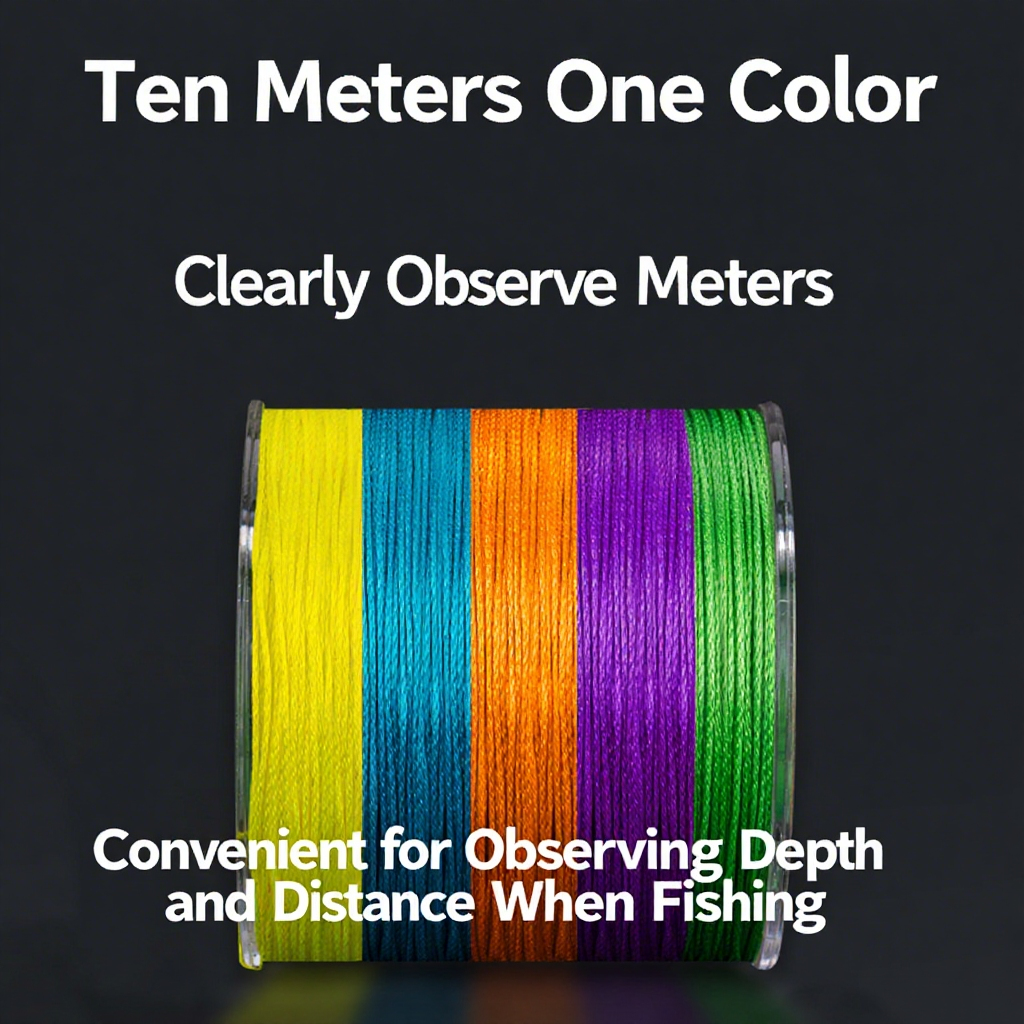
Record the actual line option too. GOOFISH MAX-8 braided fishing line provides a product reference for your setup, but line paid out is not automatically vertical depth when the line angles or bows. Neither the rod nor the braid converts an old sonar mark into a live target position.
Make sonar screenshots useful in your fishing log
Save the time, location reference, sonar source, mode, range and relevant scroll setting when available. Note whether the image came from active viewing, paused history or playback. Add the boat's operating state and what the jig was doing.
A useful note might read: “Returns appeared in the lower water column during the pass; waypoint recorded using the unit's history function; no similar returns on the next pass.” That is more informative than “Fish moved left on the screen.”
For a repeatable format, use the drift-by-drift jigging fishing log. Compare observations under similar settings instead of using screenshots with different scroll speeds as direct fish-size comparisons.
Fish finder screen history FAQ
Is a fish on the left of the screen behind the boat?
On a conventional scrolling 2D view, it is generally an older return, not a directional position beside or behind the boat. Use recorded time and position information to investigate where it was observed.
Why does sonar keep scrolling when the boat stops?
The display can continue adding successive returns over time even without boat movement. Screen scrolling and travel across the ground are different processes.
Does a longer arch mean a bigger fish?
Not by horizontal width alone. Display settings, time in the sampled water and relative movement affect the trace. Do not treat screen length as a fish-length ruler.
Will increasing scroll speed give me more acoustic detail?
It changes presentation of the history, not automatically the acoustic information collected. Ping settings, mode and processing are separate considerations; consult the unit's guidance.
Does a waypoint mean the fish will still be there?
No. It records a location reference according to the system's procedure, not the current position or future presence of a moving fish.
The takeaway: sonar history tells you what the system recorded earlier. Use the newest returns, appropriate position information and a controlled presentation to decide what to do now.





Leave a comment